Oct 14, 2026Product Planning
Private Label Pool Robot Apps: What to Decide
App name, languages, account region, support and firmware updates: the app decisions to settle before your private-label pool robot ships.
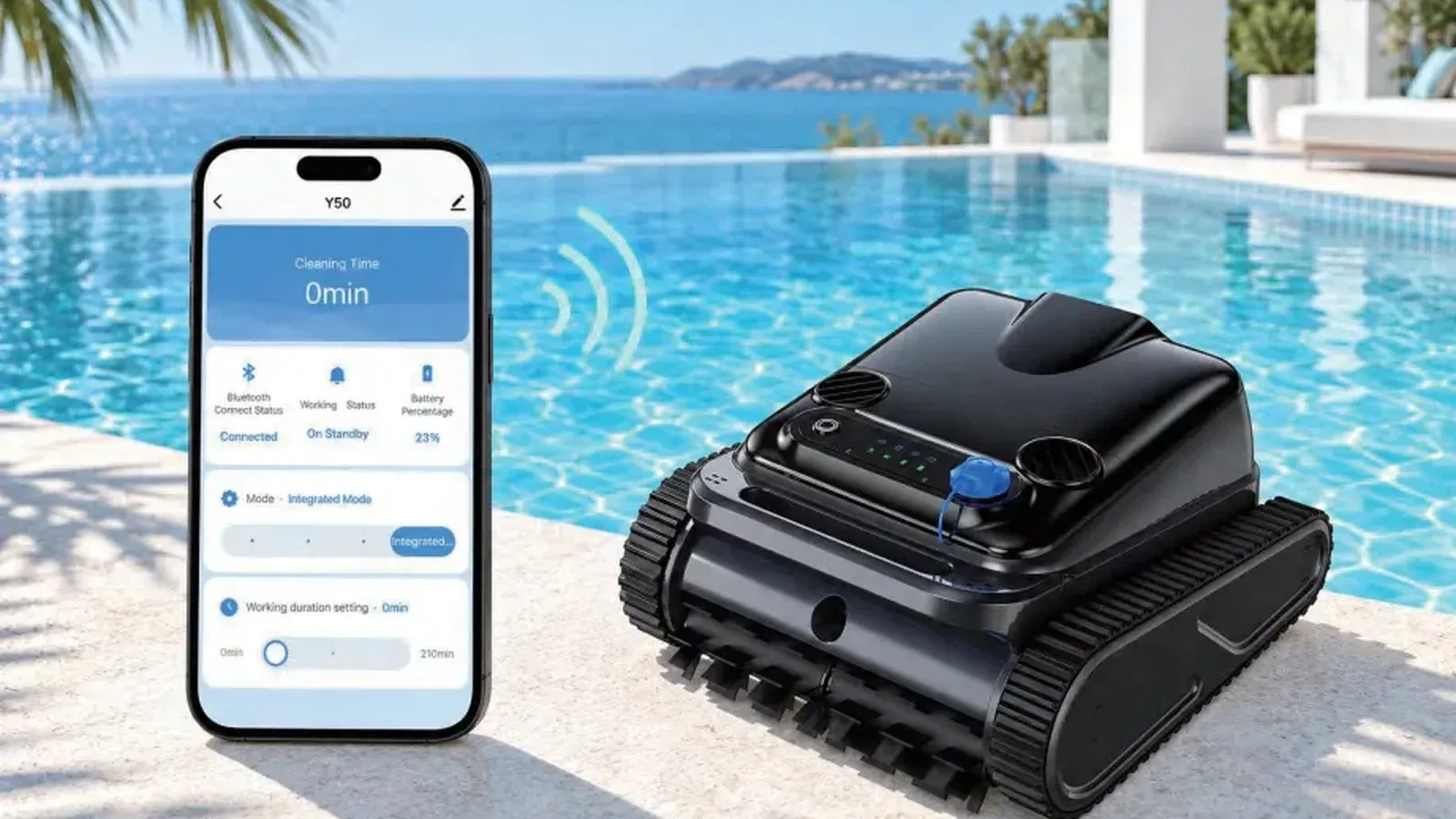
When an owner writes "the app won't connect", they write to the brand on the box. For a private-label robot, that's you. Much of what decides how often that message arrives, and how fast it gets answered, is settled before the first unit ships, in a handful of decisions that are easy to skip while everyone is busy approving the logo and the color.
We make app-controlled pool robots and solar skimmers, and these are the app questions we'd want settled with any private-label buyer before artwork is final.
Which models have an app?
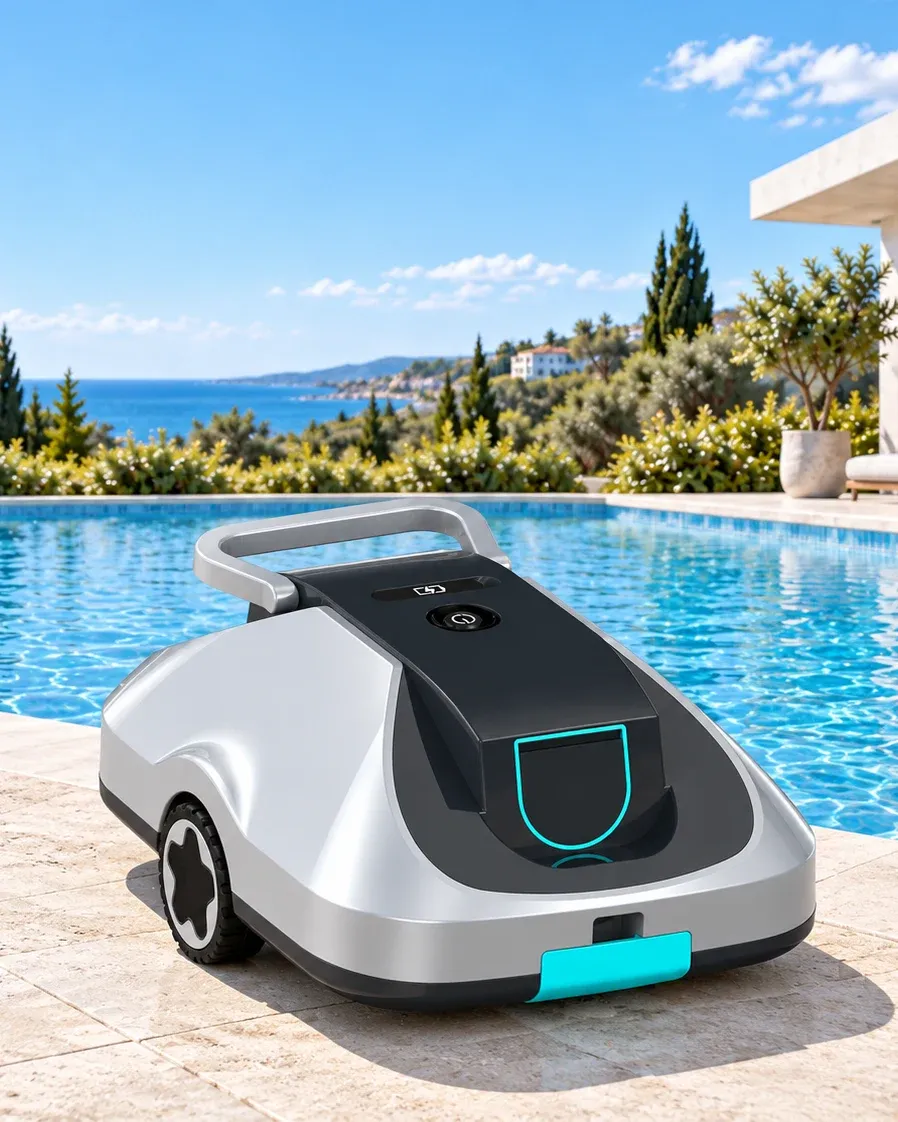
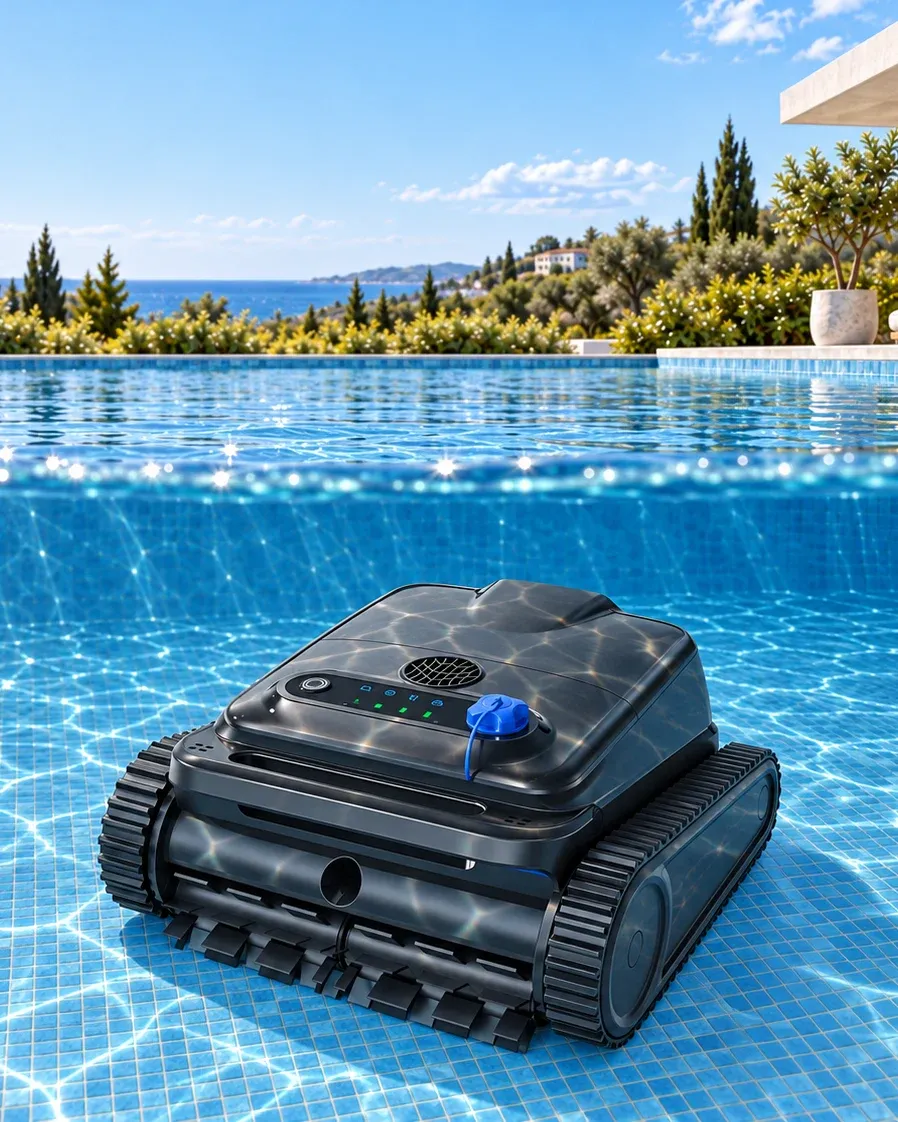
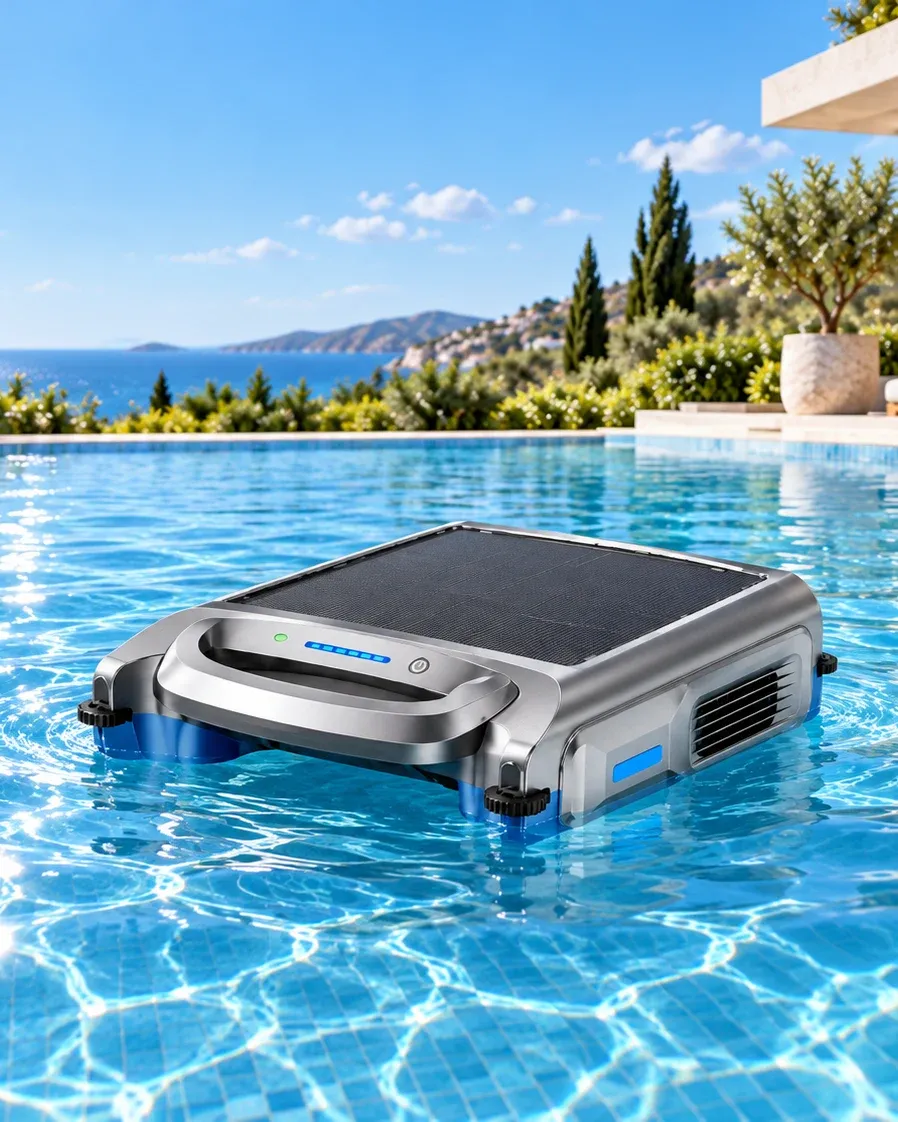
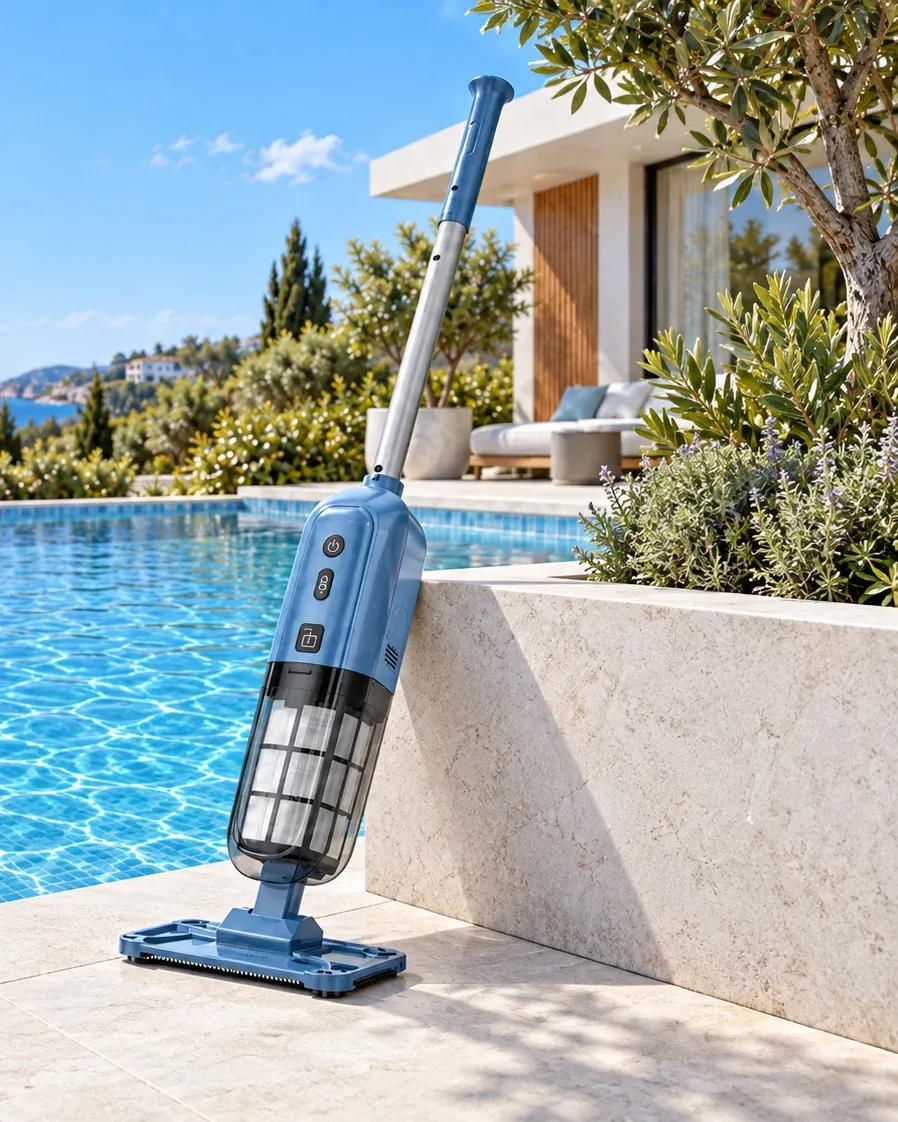
On our current range, the Y50S and Y50 wall-climbing robots have app control with over-the-air (OTA) firmware updates, meaning new firmware reaches the robot through the app without a trip back to the factory. The Y50 app also switches modes and sets schedules. The S100 solar skimmer uses its app to choose modes, steer and check battery level, and the Y90 Pro works with an app or a remote. Our floor-only models are listed without app control: the Y10 and Y20 start with a long press and the C5 with a single touch. That's worth weighing. If your channel sells to customers who just want a clean floor, a model with nothing to pair never generates an "app won't connect" email.
Can the app carry our brand?
Ask this early, because the answer reaches your packaging. If the box and manual point owners to an app, that app's name, icon and download code become part of the artwork you approve. Artwork, color and manual approvals are the main reason a first private-label program takes about 90 days while repeat orders take 30–45 days. Whether the app can show your brand name depends on the model. We confirm what each model's app can carry before you lock the artwork, which is the cheapest moment to find out.
Which languages does the app need?
At minimum, the same ones as your manual. A German owner with a German manual and an English-only app will write to your support team, and probably not in a good mood. Manual language is a standard private-label option. For the app, ask for the language list on the exact model and firmware you're buying, and check it on the sample by switching your phone's language. Error messages count too. A connection error in a language the owner can't read is a quick way to turn a small hiccup into a return.
Where do owner accounts live?
If the app asks owners to create an account, that account data is stored somewhere. In the EU, privacy rules such as the GDPR apply to it, and your privacy notice has to say who holds the data. Ask your supplier which regions the accounts are hosted in, who acts as the data controller for your branded units, and what your notice needs to say. Get the answers in writing before launch. It's a dull question, and it's often the first one a retailer's compliance team sends back.
Who answers "the app won't connect"?
Agree on a two-level support plan before launch. Your team takes the first message and works through a short script: is the app up to date, are the app's permissions allowed on the phone, is the owner following the pairing steps in the manual, and is the robot charged? Many connection messages end there. The ones that don't go to the supplier with the model, the firmware version if the app shows it, the phone model and a short description of what the owner sees. With those four details, an engineer can usually tell an app issue from a robot issue on the first reply.
What's the update policy?
OTA updates are a strength, and they also mean the robot in your customer's pool can change after you've approved it. Agree on who approves a firmware release for your branded units, whether you can try it on your own samples before owners see it, how owners are told what changed, and what happens to units sitting in your warehouse when an update comes out. A buyer who has settled this is far less likely to get the call that starts "my robot changed overnight".
FAQ
Do floor-only robots need an app?
Ours are listed without app control. The Y10 and Y20 start with a long press and the C5 with one touch. For some channels that's a selling point: nothing to pair and nothing to update.
Can firmware be updated after the robot is sold?
On the Y50S and Y50, yes, through OTA updates in the app. For other models, ask us model by model.
Is the app part of private label?
Logo, housing color, packaging and manual language are the standard private-label options. What the app can show is confirmed per model, so raise it when you ask for a proposal.
Planning a private-label program on an app model? Tell us your markets and languages in the form below, and we'll confirm what the app can show for each model before you lock your artwork. Our team will reply by email within 1 business day.
Written by the Silver Home R&D and quality team.