Oct 14, 2026Buying Guide
Pool Robot Won't Charge? What Retailers Check
Pool robot won't charge? It's the owner message we see most. The usual causes, the questions your support team should ask, and which spares to stock.
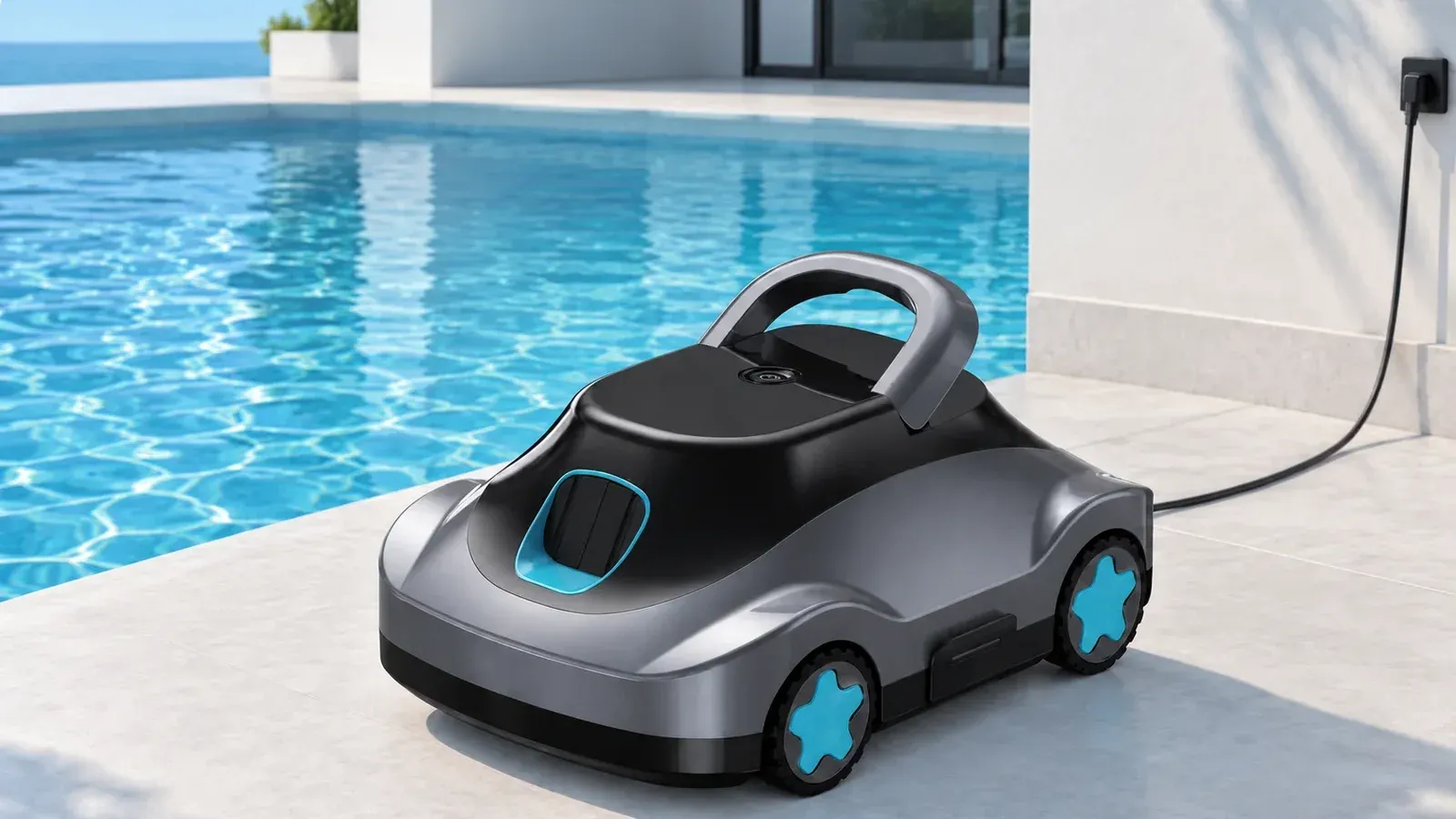
Of all the messages pool owners send a manufacturer, “it won't charge” is the one we see most often. It sounds like a dead robot. Often it turns out to be a charger left in a damp garage, a film of scale on the charging contacts, or a battery that sat flat all winter. If your support team can tell those apart on the first call, plenty of robots never leave the owner's house.
We're the R&D and quality team at Silver Home. This is the order we'd check things in, and what we'd keep on the shelf to fix them. The cheapest checks go first.
Is the charger light on?
Start with the charger, because it's the cheapest part to test and to replace. Is the indicator light on when it's plugged in? Is it the original charger for that model, or one borrowed from another device? Is the cable crushed or cut where it was coiled up for storage? Try a different wall socket. The fastest test of all is a known-good charger: if the robot charges on a spare, the problem was the charger, and the fix is a charger in the post.
Could dirty contacts stop it charging?
Yes, and it's a common one on anything that spends its life in pool water. Chlorine, calcium and fine dirt leave deposits, and charging contacts are where they show. Look at the port or the pins for white scale, green or brown corrosion, sand, or water sitting in the socket. Rinse the robot in fresh water, let it dry completely, wipe the contacts with a soft dry cloth, and only then plug it in. Never charge a robot that's still wet. If you sell under your own brand, that sentence belongs on the first page of your manual.
It worked last summer. Why won't it charge now?
This one fills spring inboxes. A lithium battery slowly drains in storage. Put away nearly flat in autumn, it can drop so low over the winter that the battery's protection won't allow a normal charge, a safeguard that stops a damaged battery from being charged. To the owner, the robot looks dead. Your script should send these cases to your service team, and owners shouldn't try forcing a charge with a different charger. Prevention is cheap: charge the robot before storage as the manual says, and top it up over a long winter as the manual recommends.
Could the battery protection be blocking it?
Lithium batteries are designed to refuse a charge when conditions aren't safe, and that can look like a fault. Our Y50S firmware, for example, shuts the robot down on over-temperature and locks it out at low voltage. Temperature matters for charging too. A robot taken straight from a long run in full sun, or left in a freezing garage, may be outside the range its battery will charge in. Bring it indoors, let it sit at room temperature for a while, then try again before anyone books a return.
What should our support script ask?
Keep it short and in this order. What does the charger light do? Is it the original charger? Was the robot dry? What do the contacts look like? How long was the robot stored, and how charged was it when it went away? Where is it being charged? Then ask for a short video of the robot and charger plugged in, lights included. From there the answer usually follows: a charger fault gets a new charger, dirty contacts get cleaning instructions, a battery stored flat goes to your service team, and only a robot that gets past all of that becomes a warranty case.
Put charging time in the script as well. Our C5, for example, takes 3.5–4.5 hours for a full charge, and an owner who unplugs after an hour will see a short run and report it as a charging problem.
Stock chargers before the season
Chargers are the cheapest test and the cheapest fix, so keep two kinds of stock: a few known-good chargers at your service desk for testing, and a shelf of chargers to post to owners, per model and per plug type. Chargers and batteries can both be ordered separately from the robots, so add them to your production order and they'll arrive with the first shipment. One more line for the script: if a charger is cracked, swollen, smells hot or has a damaged cable, the owner should stop using it, and your team should send a replacement rather than talk them through one more try.
FAQ
Can owners use any charger with the same plug?
No. Use the charger made for that model. A charger with the right plug can still have the wrong voltage or current for the battery.
Is a robot that won't charge covered by the warranty?
Our warranty is 1 year on the whole unit. Run the checks above first, because a charger swap or a cleaning often solves it without a return.
Can we order replacement batteries?
Yes. Batteries can be ordered separately, along with chargers and other spare parts. We supply the UN38.3 test report and MSDS for shipping them.
Writing a support script for a pool robot line? Tell us which models you sell in the form below. We'll share the charging and storage instructions for each model and help you plan which spare chargers and batteries to stock. Our team will reply by email within 1 business day.
Written by the Silver Home R&D and quality team.