
01
Drops and rough handling
Damage from dropping, throwing or hammering the robot, piercing the shell, or letting children ride or play on it.
Warranty and after-sales
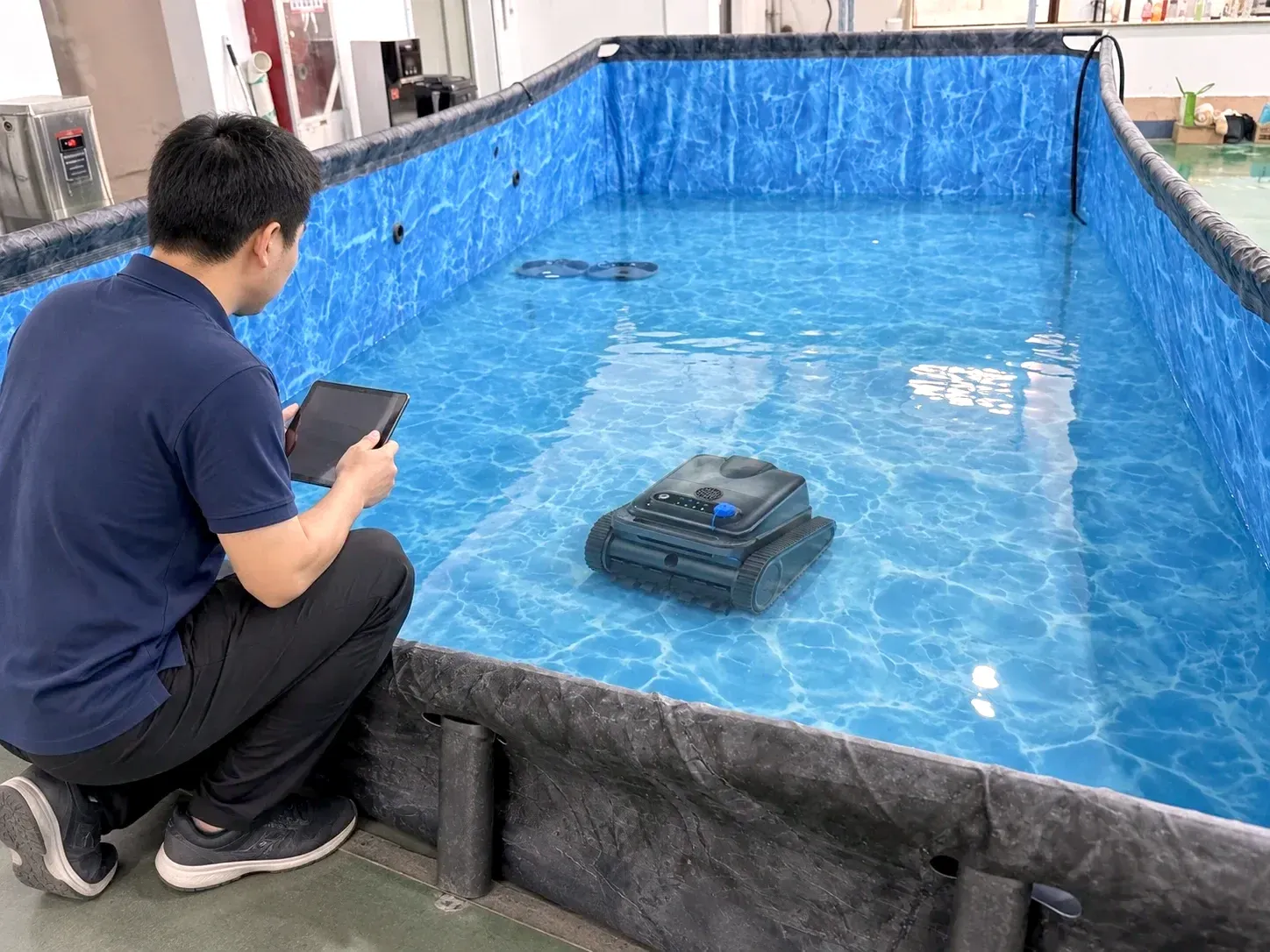
Every Silver Home pool robot is water-tested before it leaves our Changzhou factory. If something still goes wrong, this page shows what's covered, what isn't, and the fastest way to get it sorted.
Bought it under a store's or brand's own name? Contact that seller first. They have your purchase record and handle claims for their brand, and we back them with parts and diagnosis.
Warranty at a glance
Warranty starts on the date of the original purchase and covers manufacturing defects. Robots sold under a private-label program follow the terms in that brand's supply contract. Nothing here affects your rights under local consumer law.
Exclusions
Damage from dropping, throwing or hammering the robot, piercing the shell, or letting children ride or play on it.
Opening the sealed compartment, replacing the battery yourself, altering the robot, or repairs by anyone we haven't authorized.
Damage caused by chargers, adapters, batteries or accessories we didn't supply or recommend.
Charging the robot under a cover or in a hot spot, keeping it near a heat source, or leaving it out in direct sun, rain or frost.
If the robot sits uncharged for a long time, the battery voltage drops below its protection level and the battery can be damaged. That isn't a manufacturing defect.
Rust or corrosion at the charging pins from charging while the port is wet.
Filters, brushes and tracks wear with use.
We need the order number or purchase record for every claim.
Claims
Several of the problems listed below come down to a flat battery or a full filter.
Bought from us directly, or can't reach the seller? Email support@inselife.com.
The order number or purchase record, the model and serial number, what happened and when, and a short video of the problem (the indicator light, or the robot in the water).
If it's a covered defect, we'll arrange a replacement part, a repair or a replacement unit.
Troubleshooting
These come from the Y50S manual. Light patterns can differ by model, so check your own manual too.
Care
Clean the filter and the underside.
Wipe the pins and make sure the charging port is dry. Tighten the port lid when you're done.
Use the original adapter, in a cool place, with nothing covering the robot.
Drain all water, clean the filter, store the robot indoors away from sun, rain and frost, and charge it once a month.
Filters, brushes, tracks, chargers and batteries can be ordered separately. Ask your seller, or email support@inselife.com with your model. Battery replacement should be done by a trained technician.
If you sell our robots under your own brand, your customers will contact you first. We back you with spare parts for the models you carry, troubleshooting steps for your manual, and diagnosis help by email from photos and videos. The warranty period and how defective units are reported and settled are agreed in your supply contract before launch.
Support
Pool owners: tell us the model, the order number and what happened. Retailers and brands: ask about after-sales terms for your program.