Oct 27, 2026产品规划
泳池机器人 App 售后
贴牌产品 App 连接问题由品牌方接手;明确支持 App 的机型及包装定稿前的确认事项。
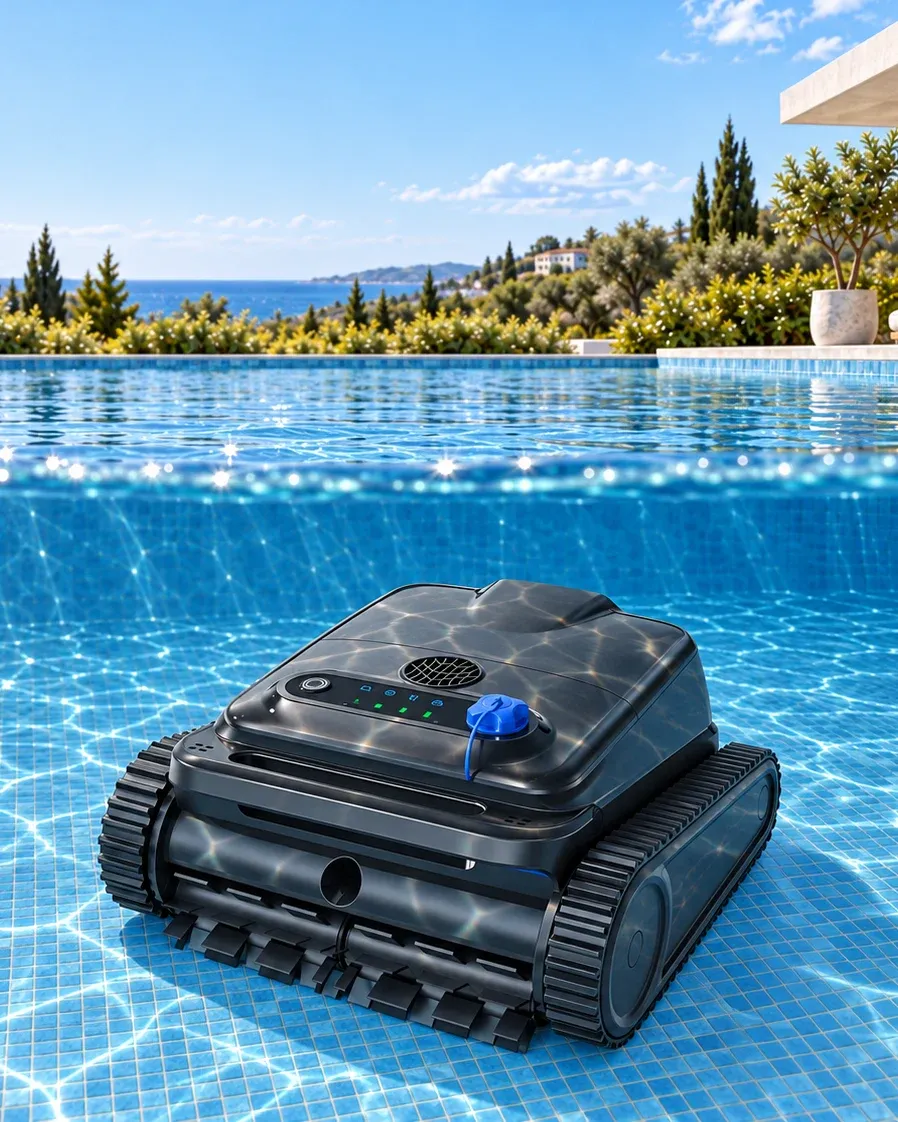
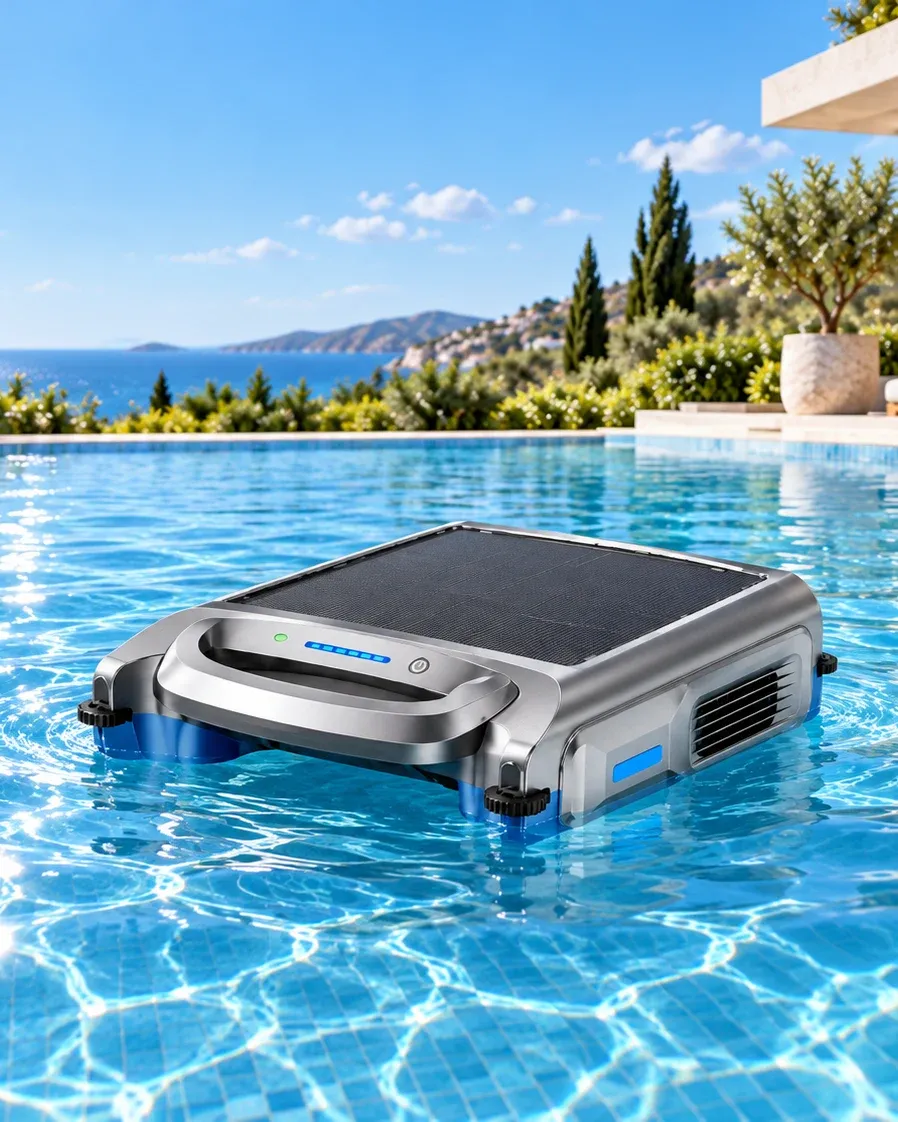
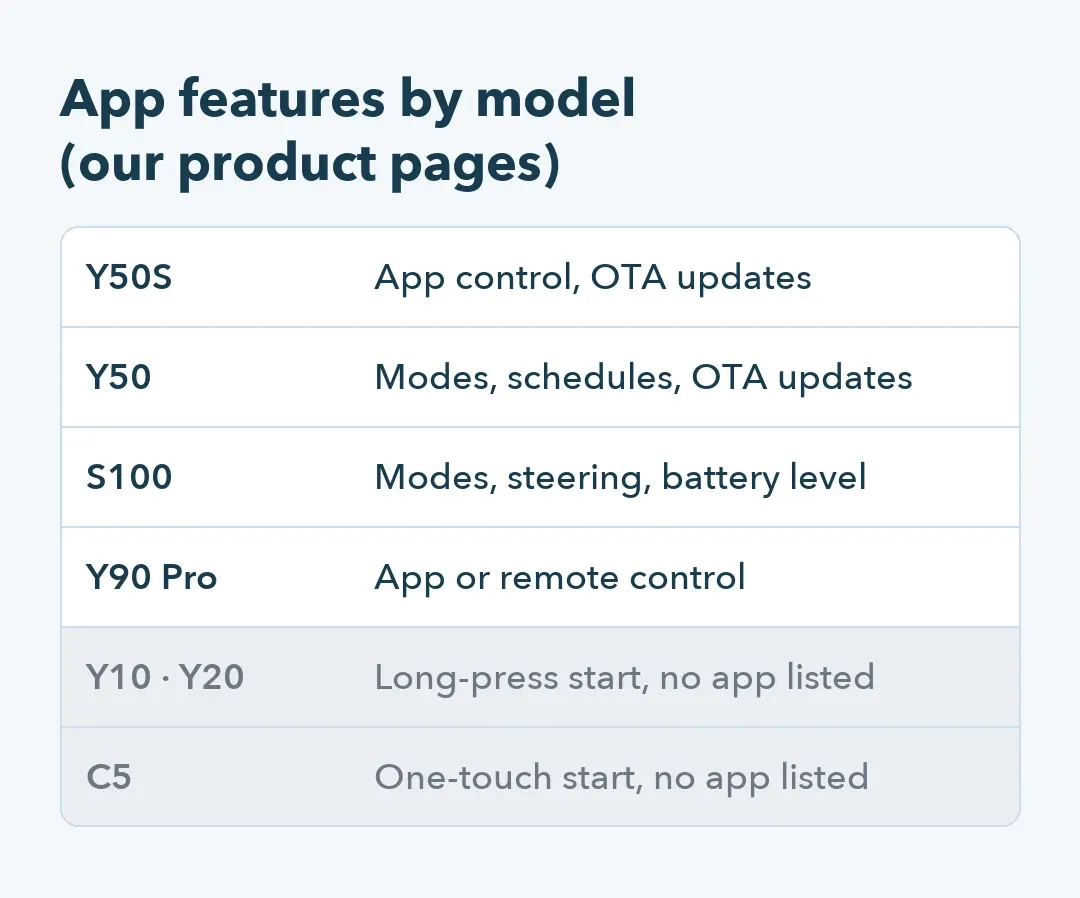
Four of our models are listed with app control: the Y50S and Y50 wall-climbing robots, the S100 solar skimmer and the Y90 Pro skimmer, which also takes a remote. Under private label, every message about that app reaches your support desk, so pick an app model only when your team is ready to answer for it.
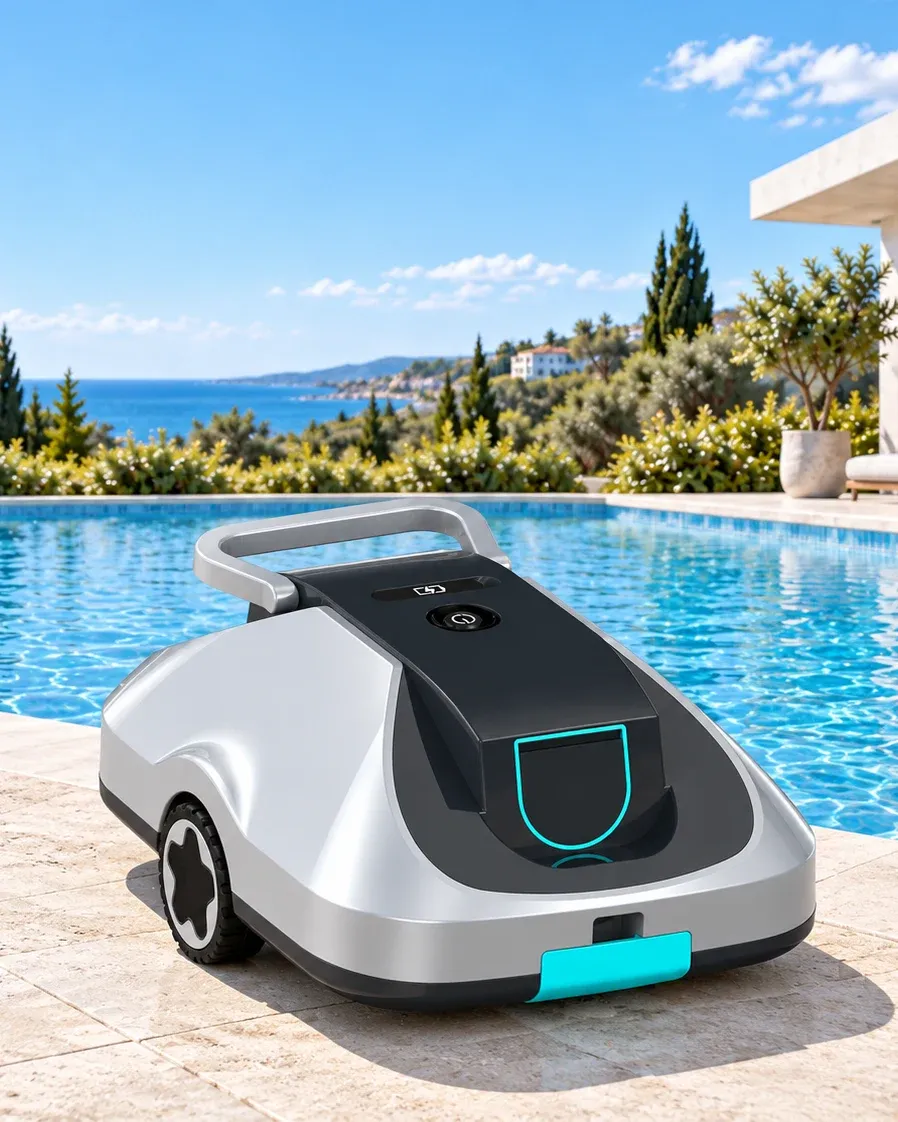
Customers who just want a clean pool floor? The Y10 and Y20 start with a long press, the C5 with one touch.
What does the app do on each model?
On the Y50S, the app controls the robot and delivers over-the-air (OTA) firmware updates, which reach the robot through the owner's phone. The Y50 app also switches between its four cleaning modes and sets schedules. The S100 app picks modes, steers the skimmer and shows battery level. Which of those screens can carry your brand name is confirmed per model, before artwork.
Water cuts the signal
Bluetooth and Wi-Fi both fade fast in water. Owners in public reviews of cordless pool robots complain that the app drops the connection as soon as the robot is underwater. Test your sample instead of trusting a feature list: start a run in the deep end and watch the app once the robot reaches the floor.
Then write the pool robot listing to match what you saw.
Can the app carry our brand?
Ask before the artwork is approved. If the box and manual send owners to an app, its name, icon and download code become part of the artwork you sign off, and changing them after printing means reprinting. For a German or French market, check the app's language list on the exact firmware you're buying by switching your phone's language on the pool robot sample.
What will our compliance team ask about data?
Where owner accounts are stored, and which phone permissions the app wants. Under the EU's General Data Protection Regulation, your privacy notice has to say who holds owners' data, so get the hosting region and the data controller for your branded units in writing. If the app pairs over Bluetooth, Android 11 and older phones ask for location access to scan for the pool robot. One Australian reviewer objected to a location request nobody had mentioned at purchase, so say why on the listing.
Who answers “the app won't connect”?
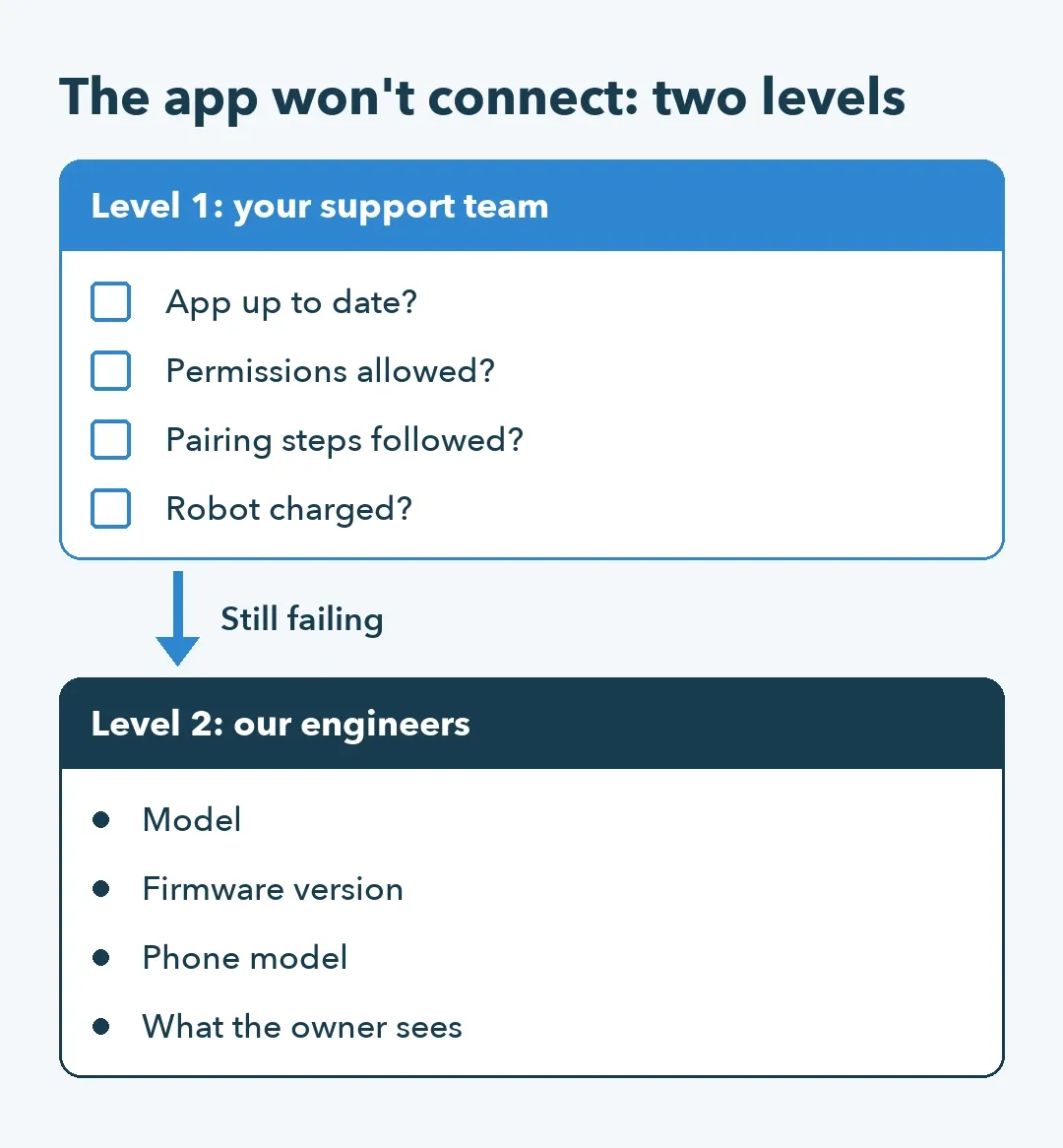
Your team, first. A short script clears the simple cases: is the app up to date, are its permissions allowed, were the pairing steps followed, and is the pool robot charged? The rest go to our engineers with the four details in the flow below, enough to tell an app problem from a robot problem.
Firmware updates need an owner on your side
Before launch, ten Y50S units ran 1,100 hours in our life test with no software faults. An OTA update replaces that code in owners' pools. Agree who approves a release for your branded units and whether you can run it on your own samples first. Owners should hear what changed in their own language. Decide too what happens to robots still boxed in your warehouse when an update ships.
Considering an app model for your pool robot line? Ask for its app feature and language list on the current firmware, and get it before your box artwork is locked.
Written by the Silver Home R&D and quality team.